TouchNSwipe Fullscreen Popup Example
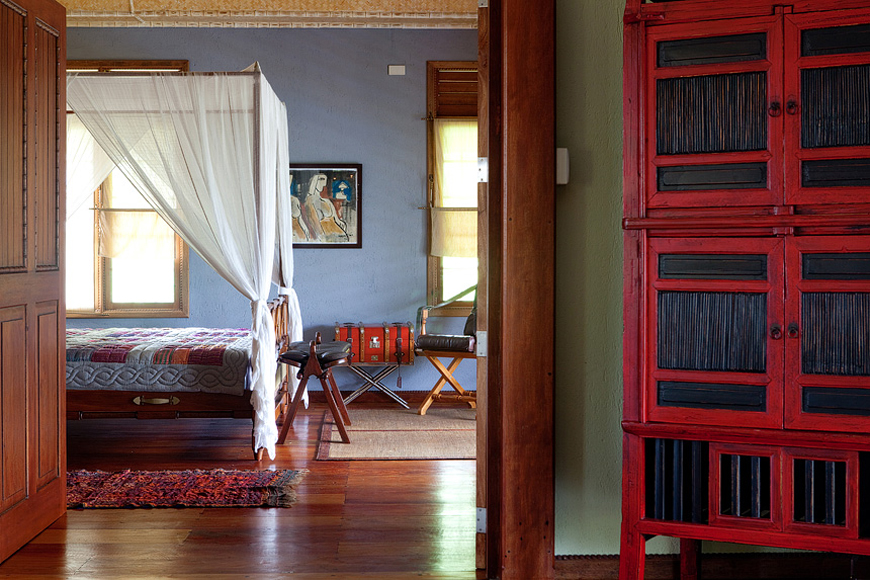
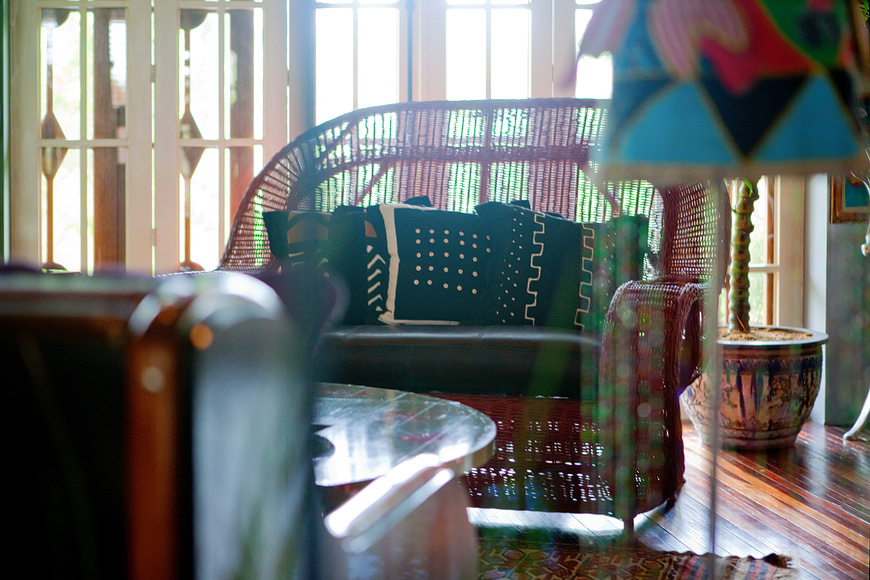
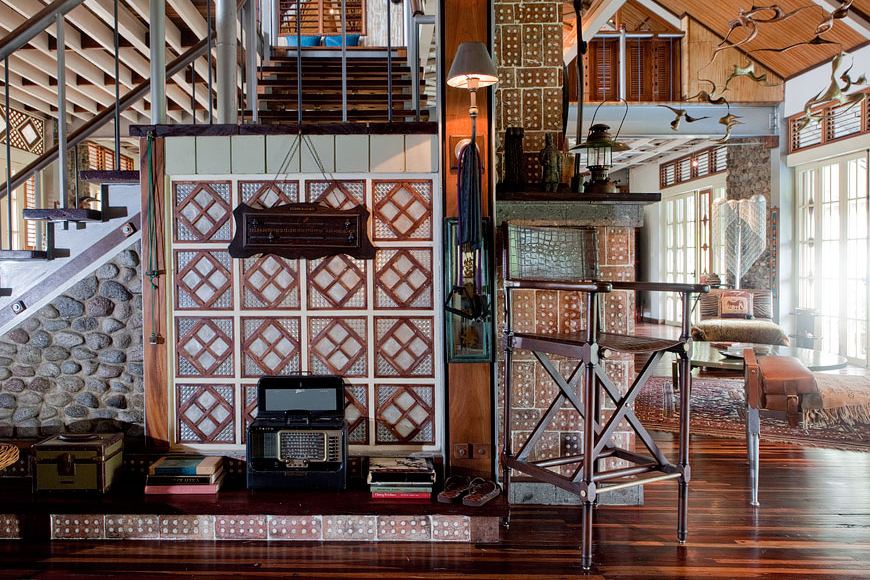
A good way of viewing images is using a popup fullscreen gallery. This gives a quick full view of the image without reloading the page. Below is an example on how you can use images, divs, text, etc. as links to open a specific image in the gallery. To use: Click or tap an image or text(IMAGE 1, IMAGE 2, etc) below to see it in action.



Aside from images, you can also use text open an image in the gallery. Click or tap a text below.
IMAGE 1
IMAGE 2
IMAGE 3
IMAGE 4
IMAGE 5
IMAGE 6